
Zombies
The Halloween zombie layer explained: graveyard conversion, slow, normal and fast zombies, bite-driven infection and how the Horde button changes a run.
Introduction
The Halloween update changed Ragdoll Reality from a pure sandbox into something that can fight back. Throwing a dummy into the graveyard converts the body into a zombie, and the developer names three speeds: slow, normal and fast. Zombies are documented as chasing, pouncing and biting, and a bitten dummy becomes infected and turns, which means an outbreak can spread beyond the body you originally threw. A Horde button starts a wave and turns a free session into a survival attempt. What the developer has not published is equally important: zombie health, bite damage, wave size, spawn timing and infection rates are all undocumented, so this page explains behaviour instead of pretending to know numbers.
Zombie Types and Behaviour
| Type | Speed | Documented Behaviour | What It Changes |
|---|---|---|---|
| Slow Zombie | Slow | Chases and bites at the lowest pace | Easiest tier for weapon and hit-location tests |
| Normal Zombie | Normal | Chases, pounces and bites | Forces you to keep moving between attacks |
| Fast Zombie | Fast | Closes distance quickly and attacks | Turns a sandbox into a survival scramble |
| Horde Button | Wave | Starts a zombie wave on demand | Converts the session into wave survival |
Zombie Types
Slow Zombie
Lowest of the three named speeds The slowest zombie tier named by the developer, documented as chasing and biting. Keep one nearby as a low-pressure test subject even after you can handle faster tiers.
Normal Zombie
Middle speed tier The standard zombie tier, documented as chasing, pouncing and biting. It is the tier to watch when learning the pounce timing, because it closes distance at a readable pace without being trivial.
Fast Zombie
Quickest named speed The quickest zombie tier named by the developer, able to close distance fast. Its speed is the whole threat; there is no published health value to plan around.
Horde Button
Starts a zombie wave The documented control that begins a horde and converts the sandbox into survival. Press it deliberately rather than by accident, since the wave begins immediately and the sandbox stops being calm.
Core Mechanics
Conversion begins at the graveyard. According to the official Halloween notes, a dummy thrown into the graveyard rises as a zombie. From there the system has three documented behaviours: chase, pounce and bite. A bite infects the target dummy, which then turns, so the population can grow without you throwing another body. The Horde button appears to be the control that starts a wave, letting you choose when to begin a survival attempt rather than being ambushed. What the system does not document is the numeric layer. There is no published zombie health pool, bite damage value, wave roster, spawn interval or infection probability, so planning around exact breakpoints is impossible.
Advantages
The horde layer gives the sandbox a genuine failure state, which the base game lacks. Slow, normal and fast zombies create a readable difficulty ladder without needing a stat sheet: you can feel the difference immediately. Infection adds a second-order threat, because a single bite can create another enemy and force you to prioritise. The Horde button also makes the mode opt-in, so players who want a calm physics session can ignore it while players who want pressure can start a wave on demand. The three speeds also let a player choose a difficulty without a menu. If slow zombies feel trivial, move to normal; if normal feels manageable, try fast. That is a simple, readable progression that does not depend on unpublished numbers.
Challenges
The biggest challenge is unpredictability without data. Because health, damage and wave size are unpublished, you cannot calculate how many hits a zombie needs or how long a wave lasts. A fast zombie can close distance before a slow weapon is ready, and infection can undo progress by turning a dummy you were using as a target. The one-player server compounds this: there is no teammate to cover a flank or revive a run. Finally, the Halloween content is new, so behaviour may change with the weekly update cadence. There is also no documented way to cure an infected dummy or reverse a conversion, so a test subject can be lost permanently within a session. Players should keep a spare body in mind before they start experimenting with bites.
Frequently Asked Questions
How do you turn a dummy into a zombie?+
What are the zombie types in Ragdoll Reality?+
How do you start the Horde in Ragdoll Reality?+
Quick Tips
Clear an escape route before pressing Horde. The button starts a wave on demand, and fast zombies can close distance quickly. Knowing which hazard or open lane you will retreat through turns a panic into a plan, even without published wave sizes. A slow zombie also gives you time to notice whether a weapon staggers or knocks down, which is hard to read when a fast zombie is already on top of you.
Use slow zombies to learn weapon behaviour. The slowest tier gives you time to observe a hit reaction, compare a leg hit with an arm hit, and test whether a weapon staggers. Move to normal and fast zombies only after the reaction system feels predictable. Once the reactions feel predictable, the faster tiers become a test of positioning rather than a source of confusion, and the Horde button becomes a choice instead of a surprise.
Do not stand next to an infected dummy. A bitten dummy turns and joins the outbreak, so a body you were using as a target can become a new attacker at close range. After a bite, create distance first and re-engage once you can see the whole group. If you lose track of which body was bitten, assume the whole group is hostile and reset the session rather than walking into a conversion you did not see.
Featured
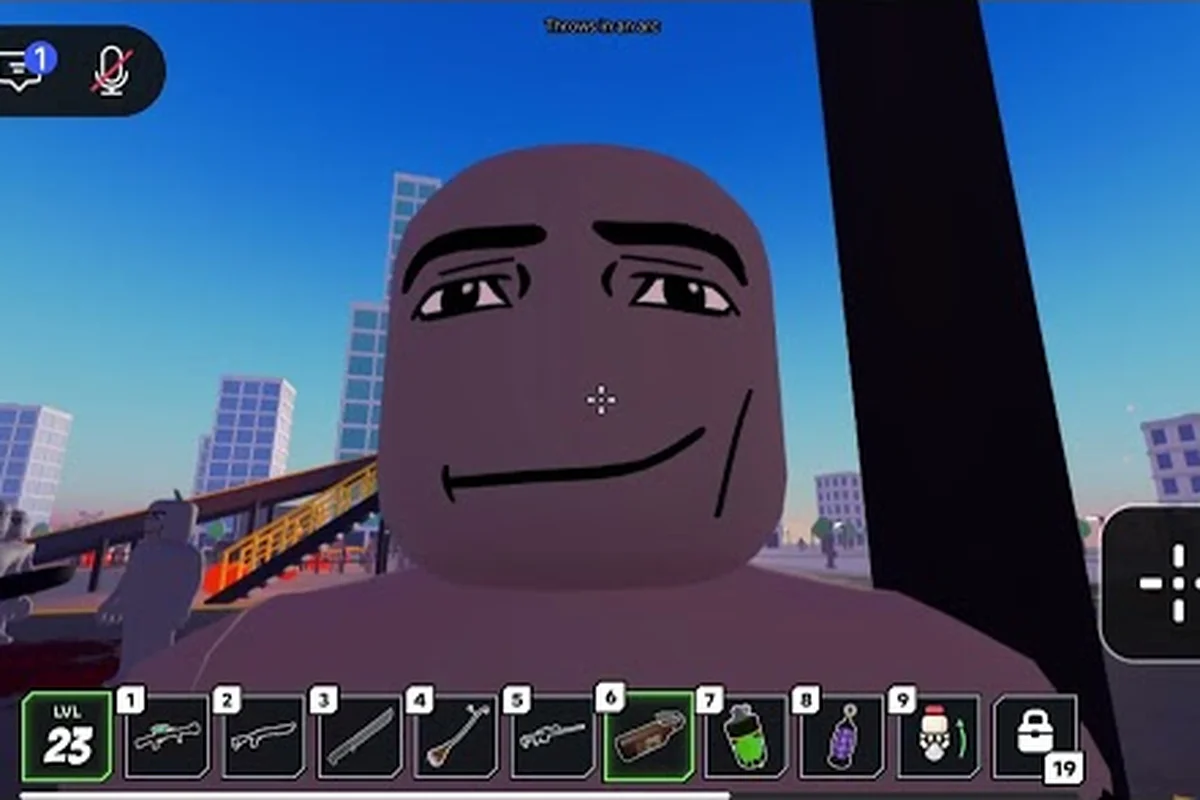
Ragdoll Reality Halloween Event: Graveyard Outbreak Guide
Explore the Ragdoll Reality Halloween event, from converting dummies in the graveyard to starting Horde mode against slow, normal, and fast zombies.
Ragdoll Reality Horde Tips: Survive the Zombie Waves
Use ragdoll reality horde tips to prepare for wave survival, exploit dummy dismemberment, and handle the graveyard's three zombie speed classes.
Ragdoll Reality How to Kill Zombies: 3 Effective Tactics
Learn ragdoll reality how to kill zombies by targeting limbs, exploiting dismemberment, and using the graveyard to trigger a three-class outbreak.
All Articles
Ragdoll Reality How to Start Horde: Button and Survival Setup
Learn how to start the horde, prepare for three zombie classes, avoid bites, and target limbs during wave survival in Ragdoll Reality.
Ragdoll Reality Slow Zombie: Speed, Traits, and Survival Role
Understand Ragdoll Reality slow zombie behavior, including its slower chase speed, graveyard conversion, wave role, and the tactics needed to outlast it.
Ragdoll Reality Zombie Bite Mechanics: Chase and Attack Guide
Learn Ragdoll Reality zombie bite mechanics, including speed classes, chase behavior, pounce attacks, infection, and effective limb-based combat tactics.
Ragdoll Reality Zombie Guide: Graveyard and Horde Mode
Learn the Ragdoll Reality zombie guide, including graveyard conversion, three zombie classes, dismemberment, and how Horde waves begin.